How to Sign-up, Reset Password or Update Information
Download the MyCityofHope Guide (1.33 MB) in PDF format to learn how to access your health information, send messages to your health care team, request appointments and see most test results.
How do I sign up?
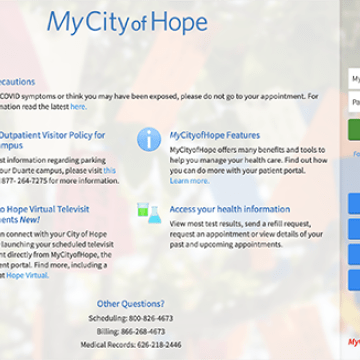
Learn how to sign up for a new MyCityofHope account on a desktop PC.
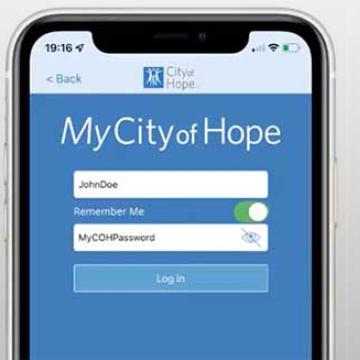
Learn how to sign up for a new MyCityofHope account on a mobile device.
How do I send or upload medical forms to my care team?
To upload or send medical forms such as Disability and FMLA forms to your health care team, follow the step-by-step instructions on this tip sheet How to Send or Upload Medical Forms to Your Care Team on MyCityofHope.
I forgot my password. What should I do?
Please go to MyCityofHope.org and click the "Forgot Password" link on the sign-in page to reset your password online.
Where can I update my personal information (e.g., home address, email) or change my password?
Log into MyCityofHope and from the left menu, go to the “Preferences” section and select the appropriate option.
How do I update my insurance information?
Log into MyCityofHope and follow these instructions:
- Click Insurance>Insurance Summary>View coverage details.
- Select one of the following options:
- Request a change to an existing coverage.
- Remove a coverage.
- Add a new coverage. New coverages are submitted for verification when you log out of MyCityofHope.
I have questions about my MyCityofHope account, who do I contact?
Please call the MyCityofHope support line at (844) 777-4673 or email [email protected]. Technical support is available 24 hours per day/7 days a week.